

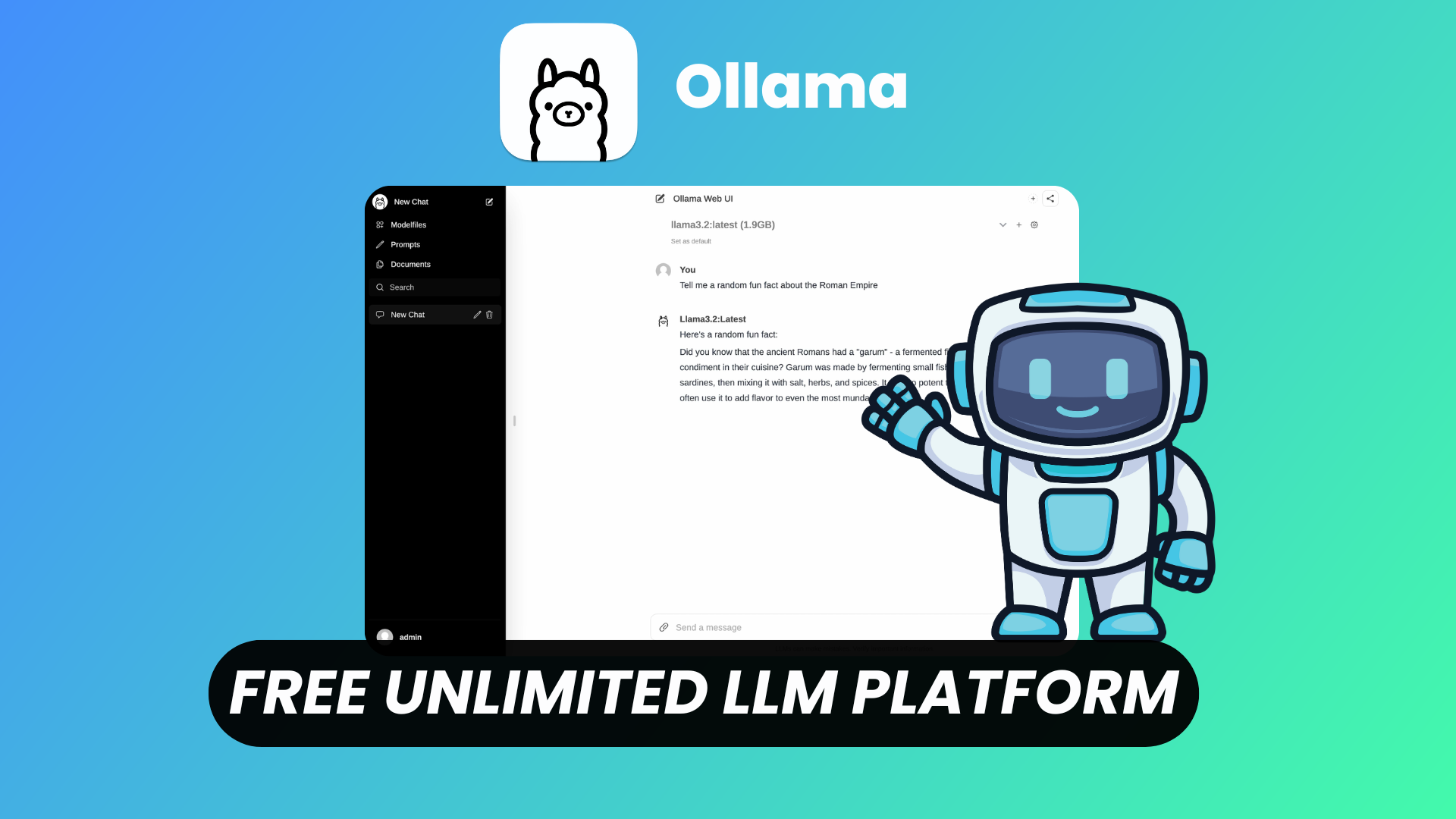
#Short Answer
Ollama serves as a bridge between users and large language models by abstracting the complexities of model deployment. It supports a variety of LLMs, including models fine-tuned for specific tasks such as coding, chatbots, and creative writing. The platform is optimized for performance, ensuring efficient inference even on consumer-grade hardware.
#Infobox
#Overview
Ollama serves as a bridge between users and large language models by abstracting the complexities of model deployment. It supports a variety of LLMs, including models fine-tuned for specific tasks such as coding, chatbots, and creative writing. The platform is optimized for performance, ensuring efficient inference even on consumer-grade hardware.
Key features of Ollama include:
- Local Execution: Models run entirely on the user's machine, ensuring data privacy and reducing latency.
- Model Library: A curated collection of pre-trained LLMs that can be downloaded with a single command.
- Customization: Users can fine-tune models or create custom models using their own datasets.
- API Access: Ollama provides a RESTful API for integration with other applications and workflows.
- Cross-Platform Support: Compatible with Linux, macOS, and Windows.
#History / Background
Ollama was launched in 2023 by a team of developers aiming to democratize access to large language models. The project emerged in response to the growing demand for privacy-focused AI solutions and the limitations of cloud-based LLM services, such as high costs, data privacy concerns, and dependency on internet connectivity.
The platform gained rapid popularity due to its simplicity and efficiency. By leveraging the Go programming language, Ollama achieved high performance while maintaining a lightweight footprint. The open-source nature of the project encouraged community contributions, leading to continuous improvements and the addition of new features.
#How It Works
Ollama operates by providing a command-line interface (CLI) and a local server that handles model inference. The workflow can be broken down into the following steps:
- Model Download: Users can browse the Ollama model library and download pre-trained LLMs using a simple command (e.g.,
ollama pull llama2). - Model Management: Downloaded models are stored locally and can be managed using Ollama's CLI commands (e.g.,
ollama list,ollama remove). - Inference: The Ollama server processes user inputs and generates responses using the selected model. The server can be accessed via the CLI or through the provided API.
- Customization: Advanced users can fine-tune models by adjusting parameters or training on custom datasets using Ollama's tools.
Under the hood, Ollama uses optimized inference engines to ensure fast and efficient model execution. It supports quantization techniques to reduce the memory footprint of models, making them feasible to run on less powerful hardware.
#Important Facts
- Open-Source: Ollama is released under the MIT License, allowing free use, modification, and distribution.
- Privacy-Focused: All model interactions occur locally, ensuring that sensitive data remains on the user's machine.
- Hardware Requirements: Ollama can run on consumer-grade hardware, though high-end GPUs are recommended for optimal performance with larger models.
- Community-Driven: The project benefits from active community contributions, including model optimizations and new feature suggestions.
- Cross-Platform: Ollama is designed to work seamlessly across Linux, macOS, and Windows, with native support for each platform.
- API-First Design: The platform emphasizes API accessibility, enabling integration with other tools and applications.
#Timeline
- Initial release of Ollama
Initial release of Ollama with support for basic LLM inference.
- Introduction of the model
Introduction of the model library and CLI tools.
- Addition of API support
Addition of API support for programmatic access.
- Release of version 0.3.11
Release of version 0.3.11 with improved performance and new model support.
- Expansion of the model
Expansion of the model library to include specialized models for coding, chatbots, and creative writing.
#Related Terms
#FAQ
What does What Is Ollama? cover?
Explains what Ollama is, how it works, common examples, and why the concept matters for readers.
Why is What Is Ollama? important?
It helps readers understand key concepts, compare practical use cases, and evaluate how Development decisions affect outcomes, risks, and implementation choices.
What should readers verify before applying this topic?
Readers should compare the benefits, limitations, data requirements, and related themes such as Explainer, Ollama, Developer Tools before using the ideas in real projects.
#References
- What Is Ollama? terminology and background research
- What Is Ollama? use cases, implementation examples, and limitations
- Development best practices, standards, and risk guidance
- Explainer case studies, benchmarks, and current industry analysis



Comments
No comments yet. Start the discussion with a useful note.